Owner
The person who answers for compliance
Everything, including the limits themselves
Security and access
An axle limit is a legal position, so the question is not only whether the number is right. It is who is allowed to move it, whether anyone can move it quietly, and what you can prove about it two years from now.
Four roles
This is not an organisation chart. It is the shortest list that lets a yard work without anyone holding more authority than their job actually needs.
The person who answers for compliance
Everything, including the limits themselves
The person who builds and sends loads
Plan, solve, route and dispatch — but not rewrite a rule
The person with the load
See their own loads and report what happened to them
Safety, insurance, a customer, an auditor
Read, and nothing else, no matter how they ask
| Can they | Owner | Dispatcher | Driver | Viewer |
|---|---|---|---|---|
| Open a load and read its verdict | Yes | Yes | own only | Yes |
| Build a load and move freight on the deck | Yes | Yes | No | No |
| Add or correct a tractor or a trailer | Yes | Yes | No | No |
| Change an axle limit or a jurisdiction rule | Yes | No | No | No |
| Dispatch a load | Yes | Yes | No | No |
| Change a load's status from the yard | Yes | Yes | own only | No |
| Create a read-only link for someone outside | Yes | Yes | No | No |
| Invite a person, or change what they can do | Yes | No | No | No |
| Read the record of who changed what | Yes | Yes | No | Yes |
| Delete a load | Yes | No | No | No |
"Own only" means the loads that person is actually carrying, and nothing else on the board.
Including the limits themselves, which is why a yard usually has one
Everything except rewriting a rule, inviting a person or deleting a load
Both of them limited to the loads that driver is actually carrying
Read a load, read the record of changes, and nothing else
Counted from the rows in the table rather than written separately, so the two cannot disagree. Every one of these is checked again when the change is attempted, which is the difference between a screen that looks safe and a system that is.
A driver's login cannot change an axle limit, however it asks. Hiding the button is presentation, not permission.
Where the rule is enforced
This is the difference between a screen that looks safe and a system that is. Every rule on this page is checked again at the moment a change is attempted.
Hiding a control from someone is presentation, not permission. Every rule is checked again when a change is attempted. A request outside that person's role is refused, even if they find another way to send it.
This is not a warning banner someone can dismiss. A load that fails on an axle group is refused when somebody tries to send it, and the attempt is recorded with the name of the person who made it. The way past it is to fix the load or get a permit.
A load goes through a defined lifecycle, and a jump that does not belong in that lifecycle is refused. That is what keeps the history readable two years later, when somebody needs to know what state the load was actually in.
There is no override
Signing in
A yard terminal is used by whoever is standing at it. That is the situation the sign-in behaviour is designed around, not an office desk with one person at it all day.
No shared logins, because a change made by a shared login is a change nobody made. The name on the audit record has to belong to a person.
Sessions expire rather than lasting until somebody remembers to sign out. On a shared yard screen, walking away is not the same as handing over your authority.
The session stops being usable, not just on the screen in front of you. A device left behind at a terminal cannot keep acting as you.
Along with every change made afterwards. Not to watch people, but because a record that starts halfway through a shift does not settle anything.
The record
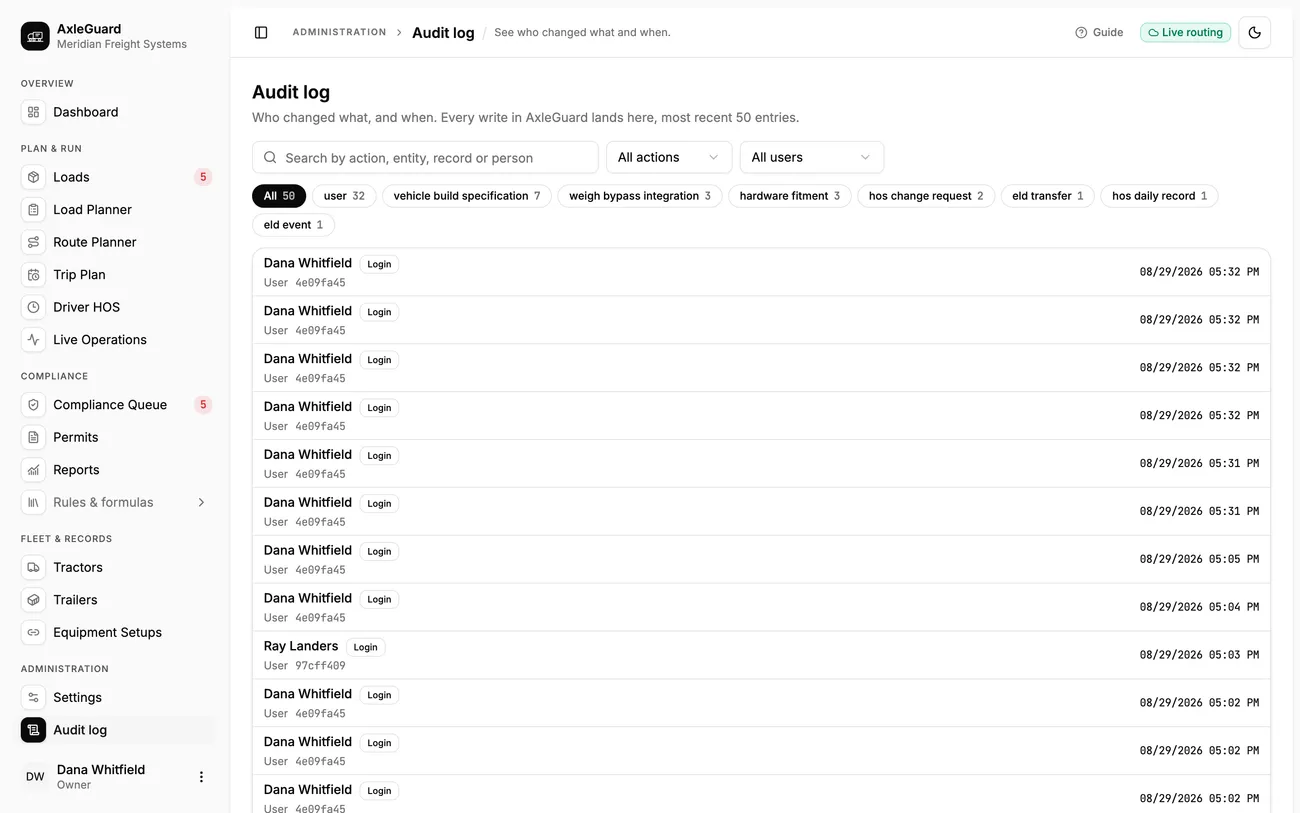
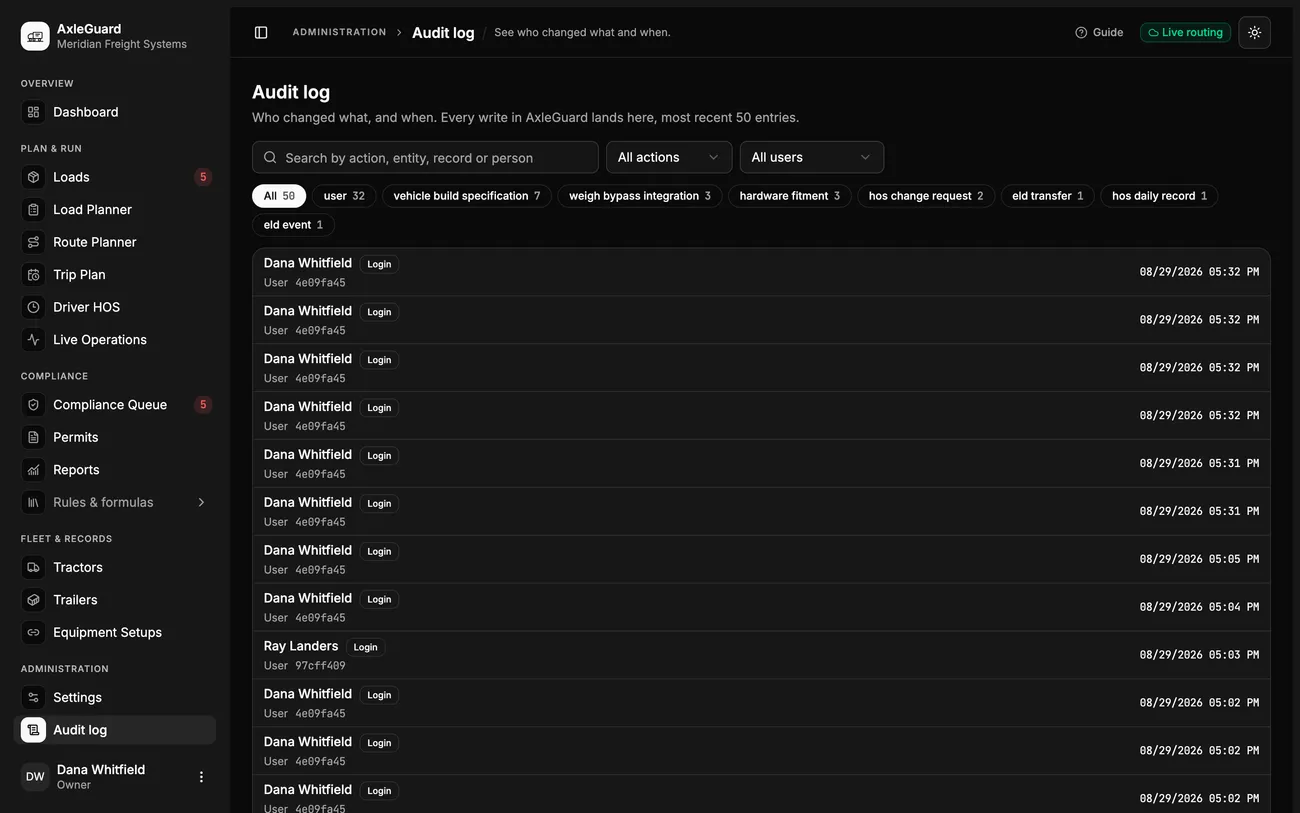
Most systems record that something changed. The useful question in a dispute is what it changed from, and who was holding the pen. That is what gets written here, on every single change.
Refused attempts are recorded too. A dispatch that was stopped because the load was over is part of the story of that load, and it is the part that proves the control was working.
Showing somebody one load
Read-only links exist so that proof can leave the building without authority leaving with it. They are the narrowest thing we could build that still answers the question.
Your records
Four plain answers. If any of them is wrong for your policy, that is an Enterprise conversation rather than something to discover later.
Your equipment, your loads, your routes, your rule sets, the people on the account and the record of changes to all of it. Nothing about a driver beyond what is needed to plan and dispatch a load.
No payment details, at any point, on the site or in the product. Nothing is sold, nothing is shared with a third party for advertising, and demonstration accounts are not populated from anybody else's freight.
On the Pilot and Fleet plans, on infrastructure we run. On Enterprise, wherever your policy says it has to live, including your own building, with retention set to your schedule rather than ours.
Ask, and your records come back to you in a form you can read and keep, and the copies here are removed. A deleted load's audit trail survives the load, because a compliance record that vanishes with the thing it describes is not a compliance record.
Deployment controls
What gets asked
A compliance record that vanishes along with the load it describes is not a compliance record.
Next step
They will want to try to change a limit from an account that should not be able to. That is a good use of ten minutes, and we would rather they did it in front of us.