Skip to content
AxleGuard
Demo

Platform

A report should point to the next action.

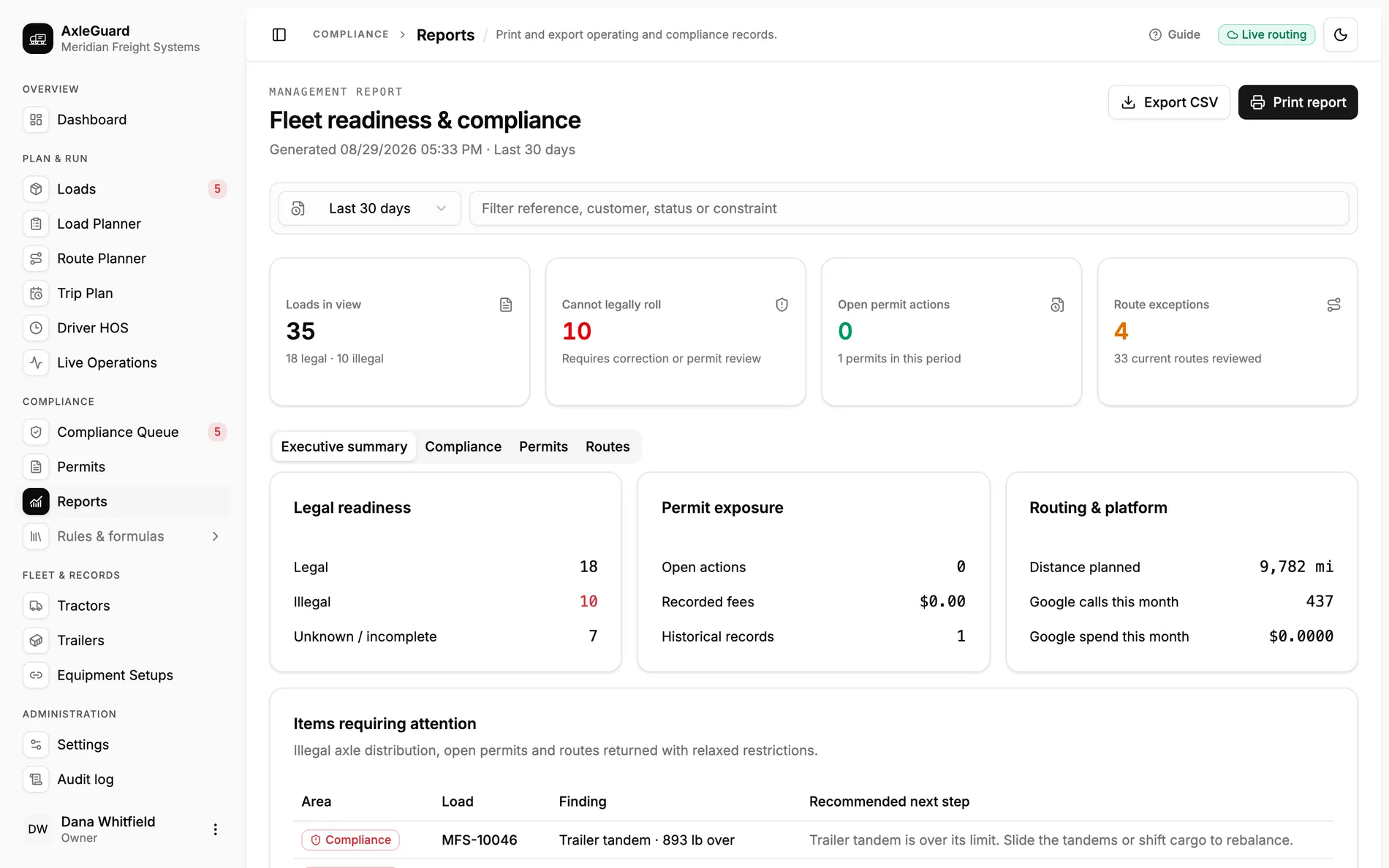
AxleGuard brings legal readiness, permit exposure, route exceptions, provider use and the loads needing attention into one date-bounded report. It can be printed for review or exported for the next operating workflow.

Report views
4
summary, compliance, permits, routes
Outputs
Print + CSV
for review and downstream work
Attention rows
Action-led
finding plus recommended next step

In the product

The screen where this work happens.

Open AxleGuard
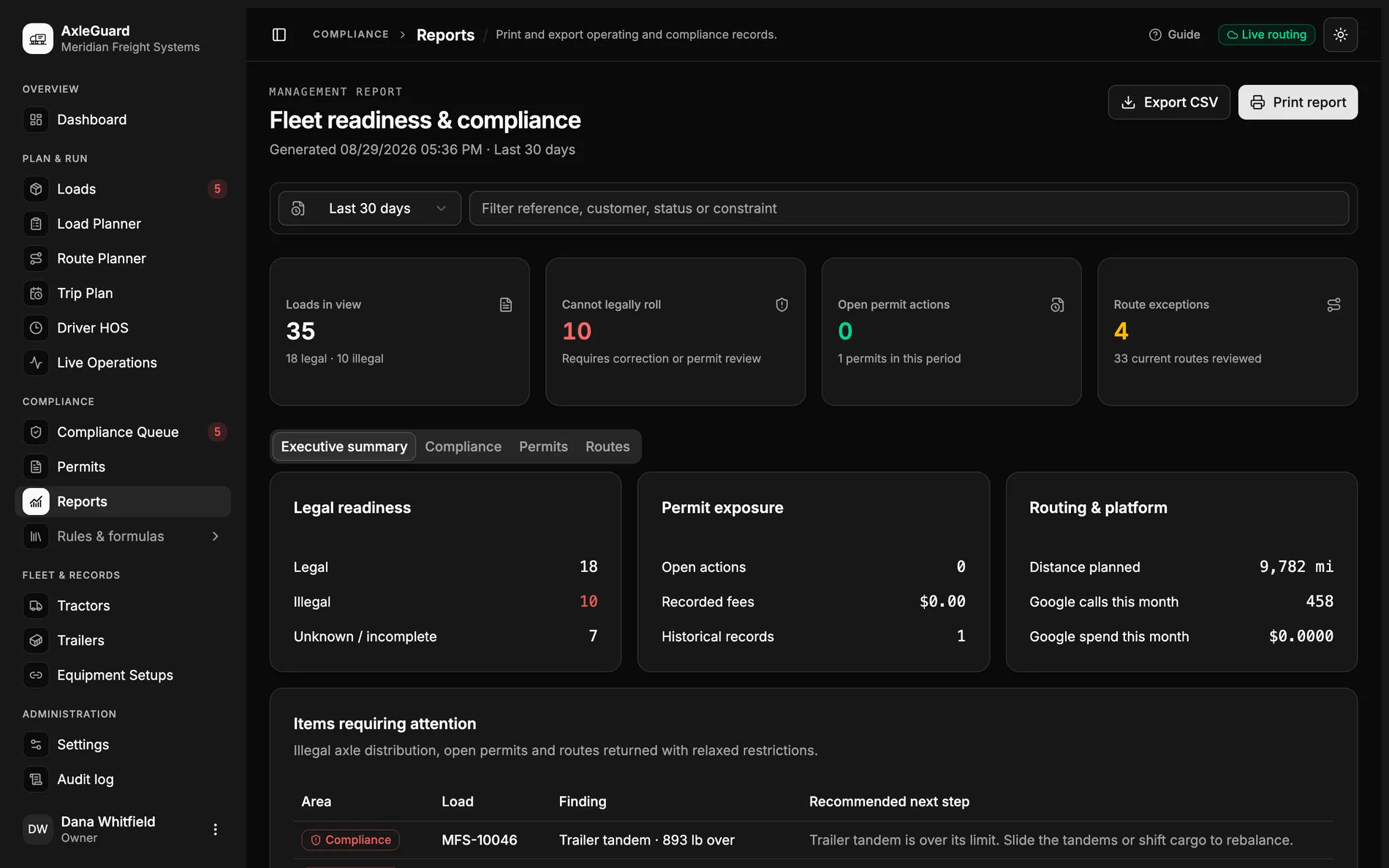
The management report with legal readiness, permit exposure, route exceptions and recommended next steps.

What changes

Three outcomes that matter in the operation.

Each outcome connects what the software does to the decision a planner, loader or driver can actually make.

01

Illegal, unknown and legal do not collapse into one total

The report separates loads that can roll, loads that cannot and records that are incomplete for the selected period.

Why this is different

An average compliance percentage hides the exact queue a manager must clear before departure.

02

Every exception points back to the load

Attention rows name the area, load, finding and recommended next step. Route exceptions and axle findings stay distinguishable.

Why this is different

A red total creates another hunt. A linked operational row tells the team which record to open and what decision is waiting.

03

The report carries the cost and provider context

Distance, route review, provider calls and recorded permit fees sit beside compliance readiness.

Why this is different

Operations and infrastructure cost usually live in separate exports. The shared period makes them explain the same workload.

How it works

From input to answer.

The logic is visible. There is no “AI decided” step between the load and the verdict.

Important boundary

Reports reflect the records and date range in the workspace. They are management outputs, not certified scale tickets, government permit filings or regulatory submissions.

  1. 01

    Choose the operating period

    The same date range controls loads, permits, routes and provider totals.

  2. 02

    Read the readiness totals

    Legal, illegal and incomplete records remain separate.

  3. 03

    Open the attention queue

    Each row identifies the record and the decision that is still required.

  4. 04

    Print or export

    Carry the bounded report into a review meeting or another workflow.

Where to test it

Hard cases worth checking.

  • A load with no current compliance result.
  • A route returned with restrictions partially ignored.
  • An archived permit still inside the reporting period.
  • Provider calls served from cache rather than billed as new work.