Skip to content
AxleGuard
Demo

Routing

No signal means plan to pull in.

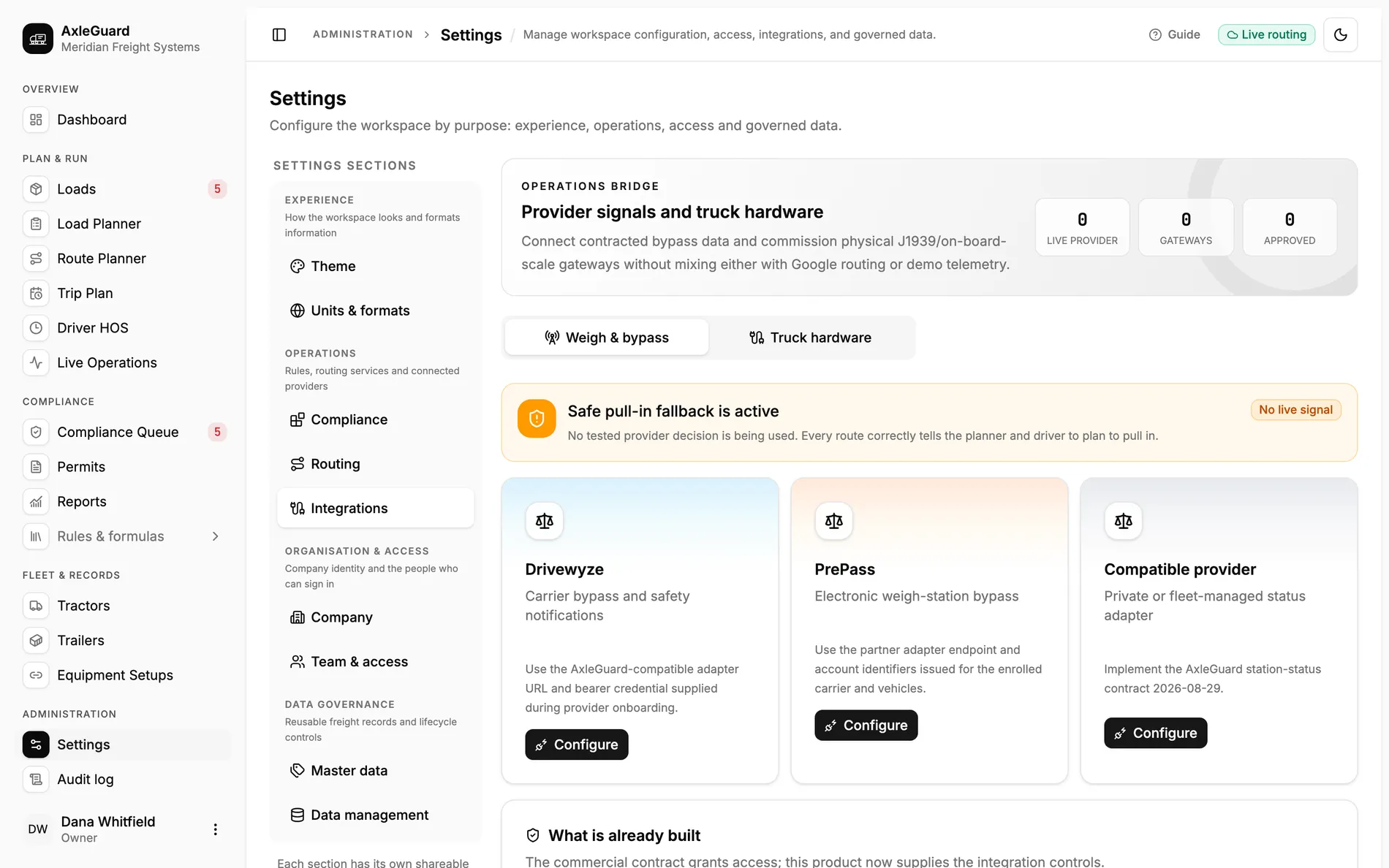
AxleGuard matches known weigh stations to the stored route and travel direction. Drivewyze, PrePass or a compatible provider can supply station status and a carrier-specific decision after commercial onboarding; until then, the product uses a safe pull-in fallback.

Connection paths
3
Drivewyze, PrePass, compatible adapter
Fallback
Pull in
used whenever no tested decision exists
Adapter timeout
4 s
with a 30-second response cache

In the product

The screen where this work happens.

Open AxleGuard
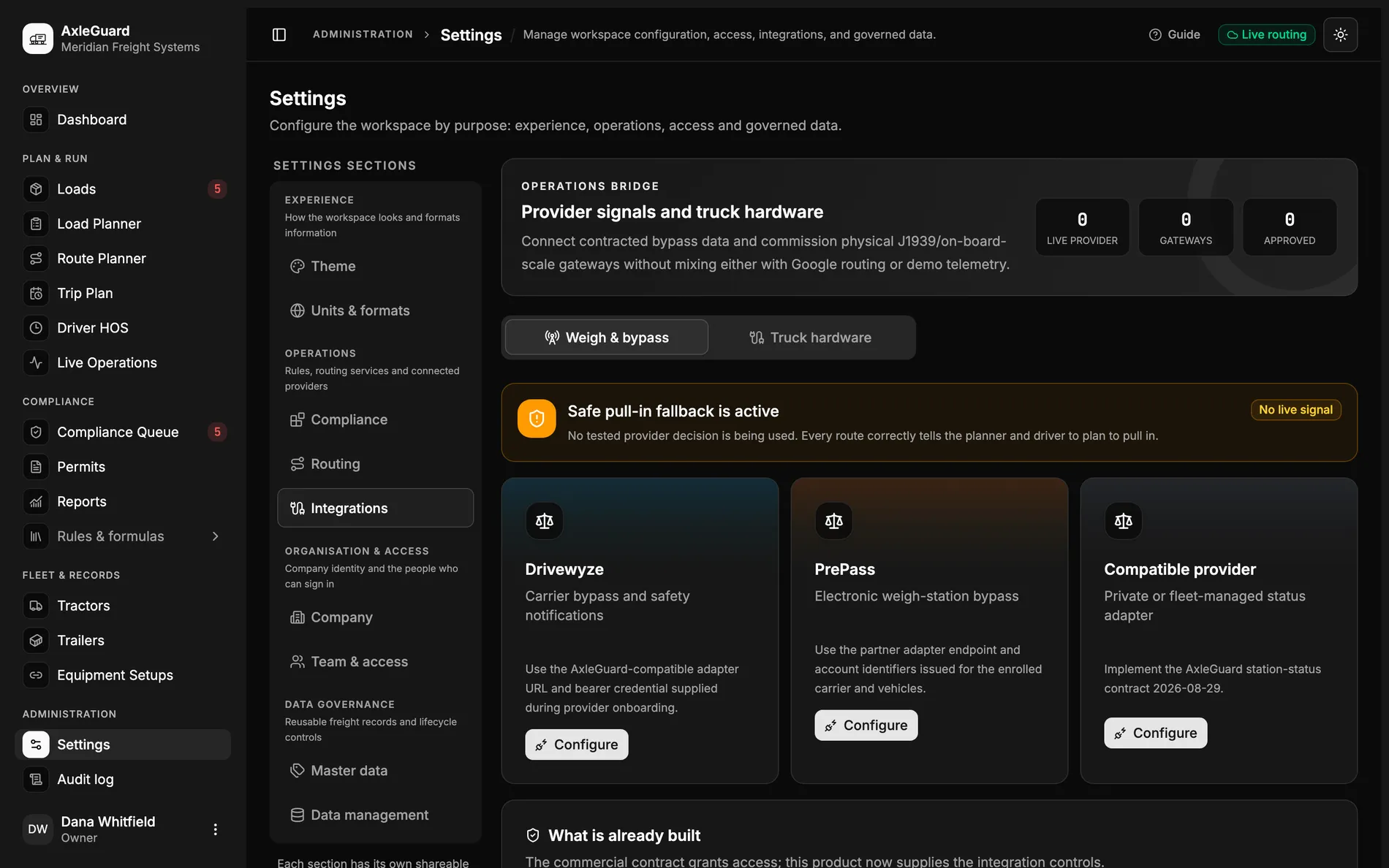
Provider integrations with Drivewyze, PrePass and a compatible adapter, plus the visible safe pull-in fallback.

What changes

Three outcomes that matter in the operation.

Each outcome connects what the software does to the decision a planner, loader or driver can actually make.

01

Stations are matched to the road the truck will use

Stored stations are ordered along the route and filtered by direction, with the trip position and station type shown to the planner.

Why this is different

A nearby-place search can return a scale on the other carriageway. Route and direction matching turn a point on a map into an operational stop.

02

Commercial provider access has a defined connection path

The settings screen accepts the adapter URL, account identifiers and bearer credential issued during Drivewyze, PrePass or compatible-provider onboarding.

Why this is different

The provider contract grants access; AxleGuard supplies the connection controls, test step, cache and response contract.

03

An absent or failed signal never becomes permission

When no tested provider decision is available, every route tells the planner and driver to plan to pull in.

Why this is different

Unknown is not bypass. The four-second timeout and safe fallback keep a provider outage from producing a dangerous optimistic answer.

How it works

From input to answer.

The logic is visible. There is no “AI decided” step between the load and the verdict.

Important boundary

No live bypass provider was connected in the audited workspace. Drivewyze and PrePass require commercial enrolment and issued credentials. Posted signs and roadside instructions always take priority.

  1. 01

    Complete provider enrolment

    The carrier, vehicles and provider account are enrolled commercially.

  2. 02

    Enter the issued connection

    Store the adapter URL, IDs and bearer credential in the owner-only settings.

  3. 03

    Test the contract

    Verify DNS, TLS, authentication and the response schema before use.

  4. 04

    Operate with a fallback

    Cache short-lived decisions and plan to pull in whenever the signal is absent or invalid.

Where to test it

Hard cases worth checking.

  • A station on the opposite carriageway.
  • A provider timeout four seconds into the request.
  • A response that authenticates but fails the schema test.
  • A route opened before the carrier has completed provider enrolment.