Skip to content
AxleGuard
Demo

Platform

Share the answer, not the control panel.

A route or trip can be published through a read-only token and opened without a workspace session. The link can be revoked, while the internal load, settings, credentials and write controls remain behind authenticated access.

Recipient account
Not required
the token opens the limited public surface
Access
Read-only
no load or route mutation controls
Lifecycle
Revocable
internal records remain intact

In the product

The screen where this work happens.

Open AxleGuard
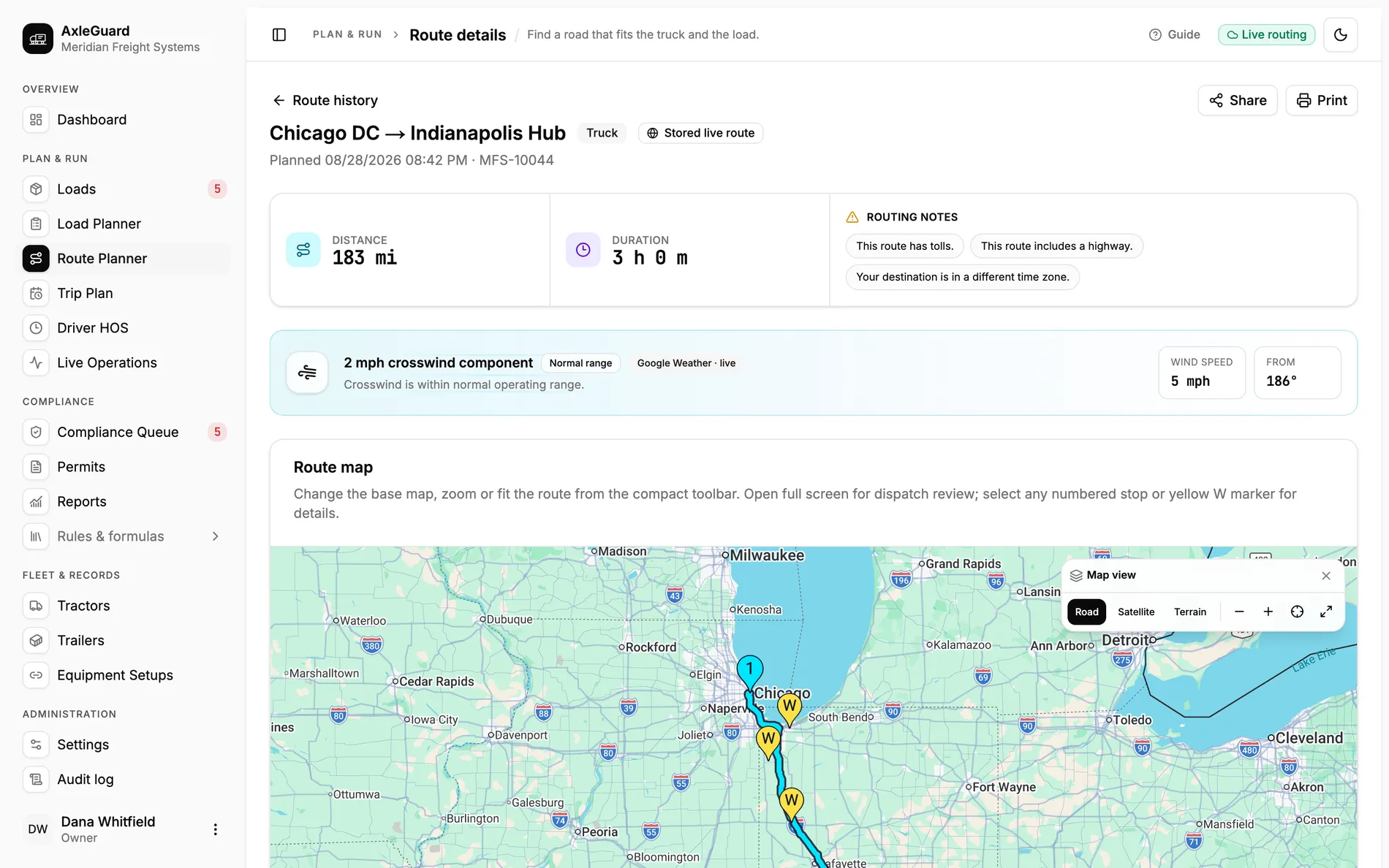
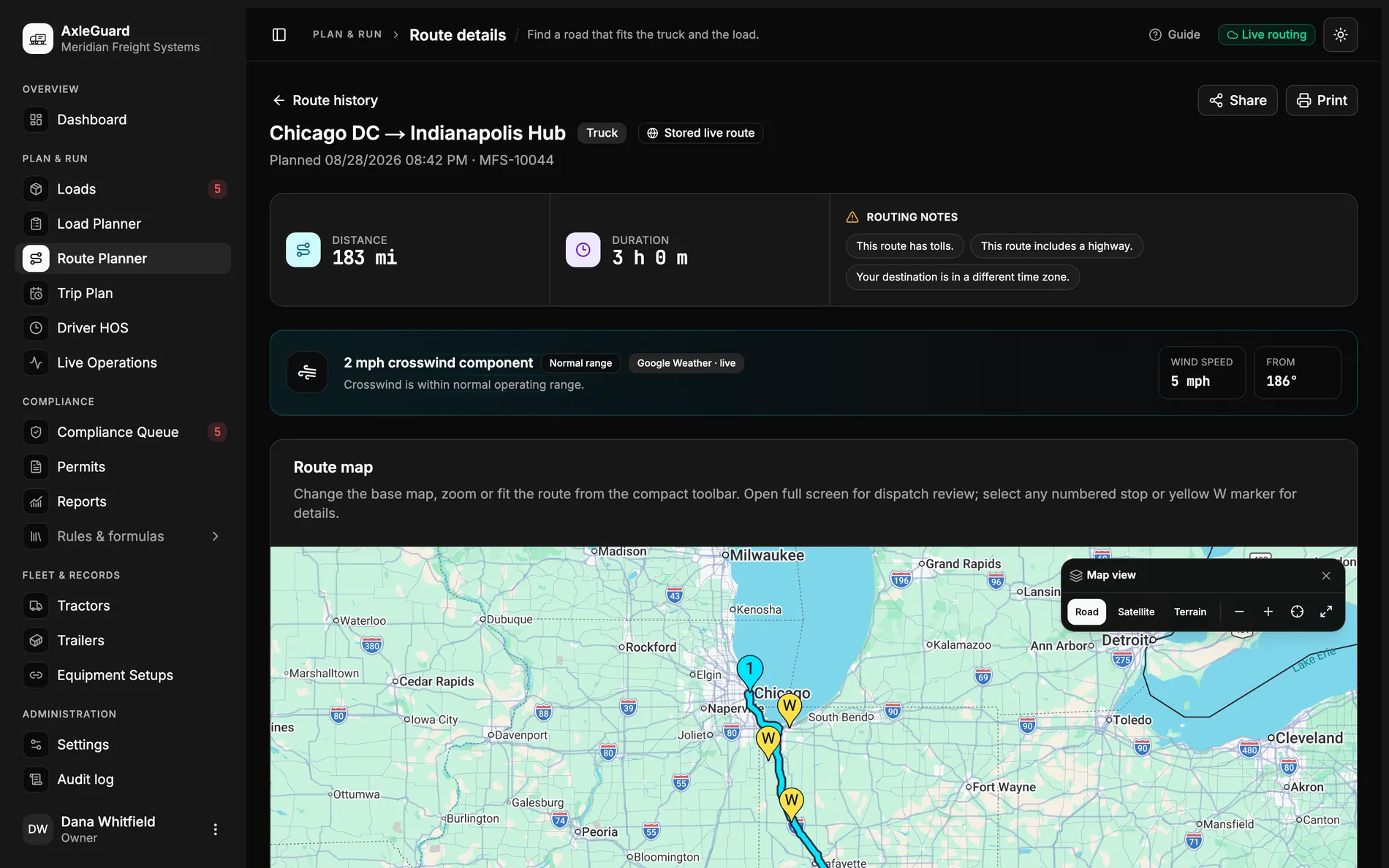
Route detail with share and print controls beside the stored road, leg verdicts, scales and audit evidence.

What changes

Three outcomes that matter in the operation.

Each outcome connects what the software does to the decision a planner, loader or driver can actually make.

01

The recipient sees the plan without becoming a user

A token opens a deliberately limited public view of the shared route or trip. It does not create a team account or expose workspace navigation.

Why this is different

Screenshots go stale and invited accounts create access work. A bounded link keeps the recipient on the current published record.

02

Read-only is enforced by the surface

The public link returns the shared operating view without edit, dispatch, credential or settings controls.

Why this is different

Hiding an edit button inside the normal application is not a sharing model. A separate read-only surface makes the boundary testable.

03

The link can stop working without deleting the route

Revoking the share token removes public access while preserving the internal route and its audit record.

Why this is different

A forwarded PDF cannot be recalled. A revocable link gives operations a practical end to external access.

How it works

From input to answer.

The logic is visible. There is no “AI decided” step between the load and the verdict.

Important boundary

A public link is intentionally limited and read-only. It is not a dispatch instruction, a permit, a certified scale result or an invitation to the carrier workspace.

  1. 01

    Open the stored route or trip

    Sharing starts from the internal record that operations already reviewed.

  2. 02

    Create the public token

    The server publishes only the fields allowed on the read-only surface.

  3. 03

    Send the link

    The recipient opens it without joining the carrier workspace.

  4. 04

    Revoke when it is done

    Public access ends without changing or deleting the internal plan.

Where to test it

Hard cases worth checking.

  • A recipient with no AxleGuard account.
  • A shared link forwarded outside the original email thread.
  • A route updated internally after the first share.
  • A revoked token opened after public access has ended.